Detail Project Description:
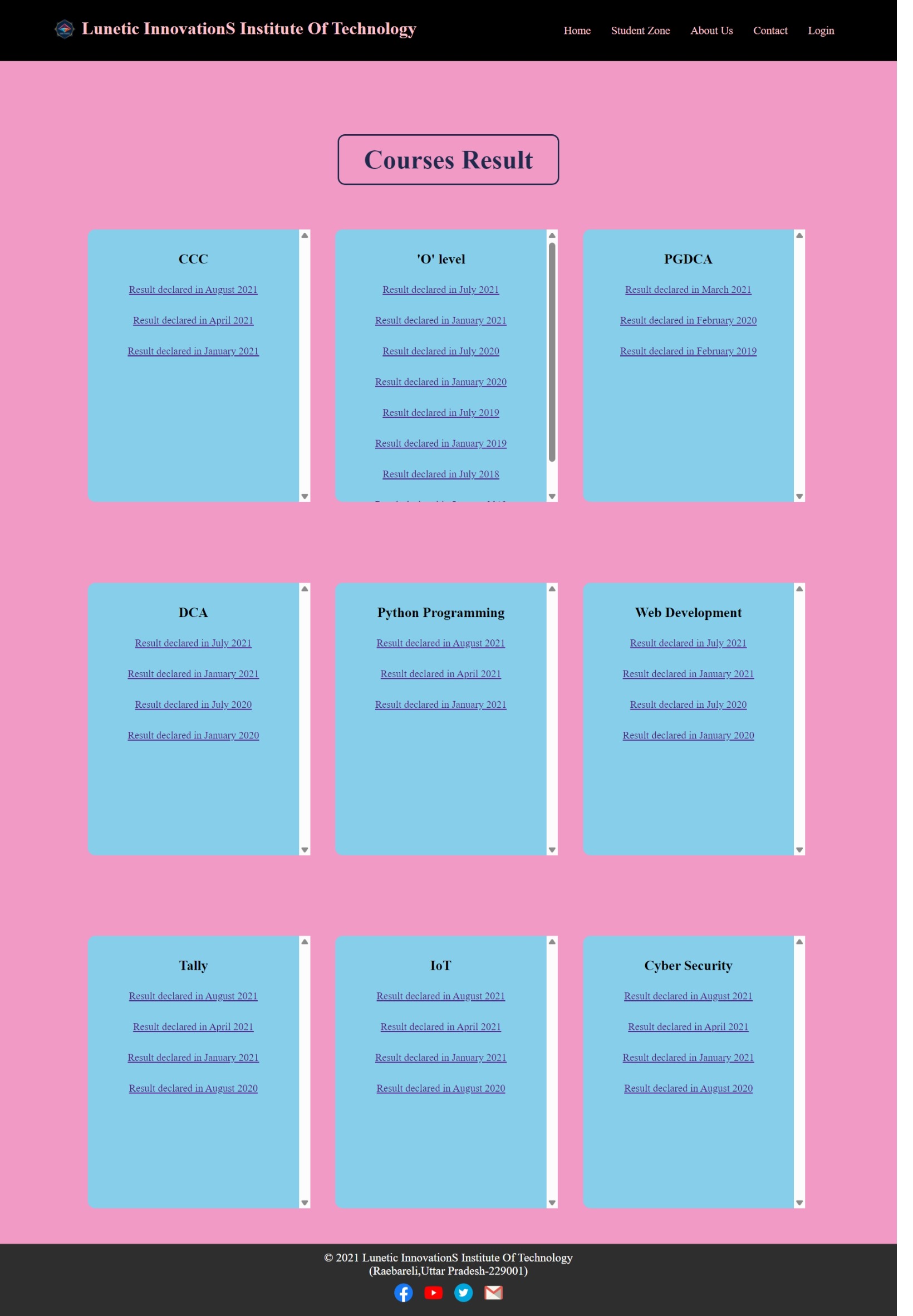
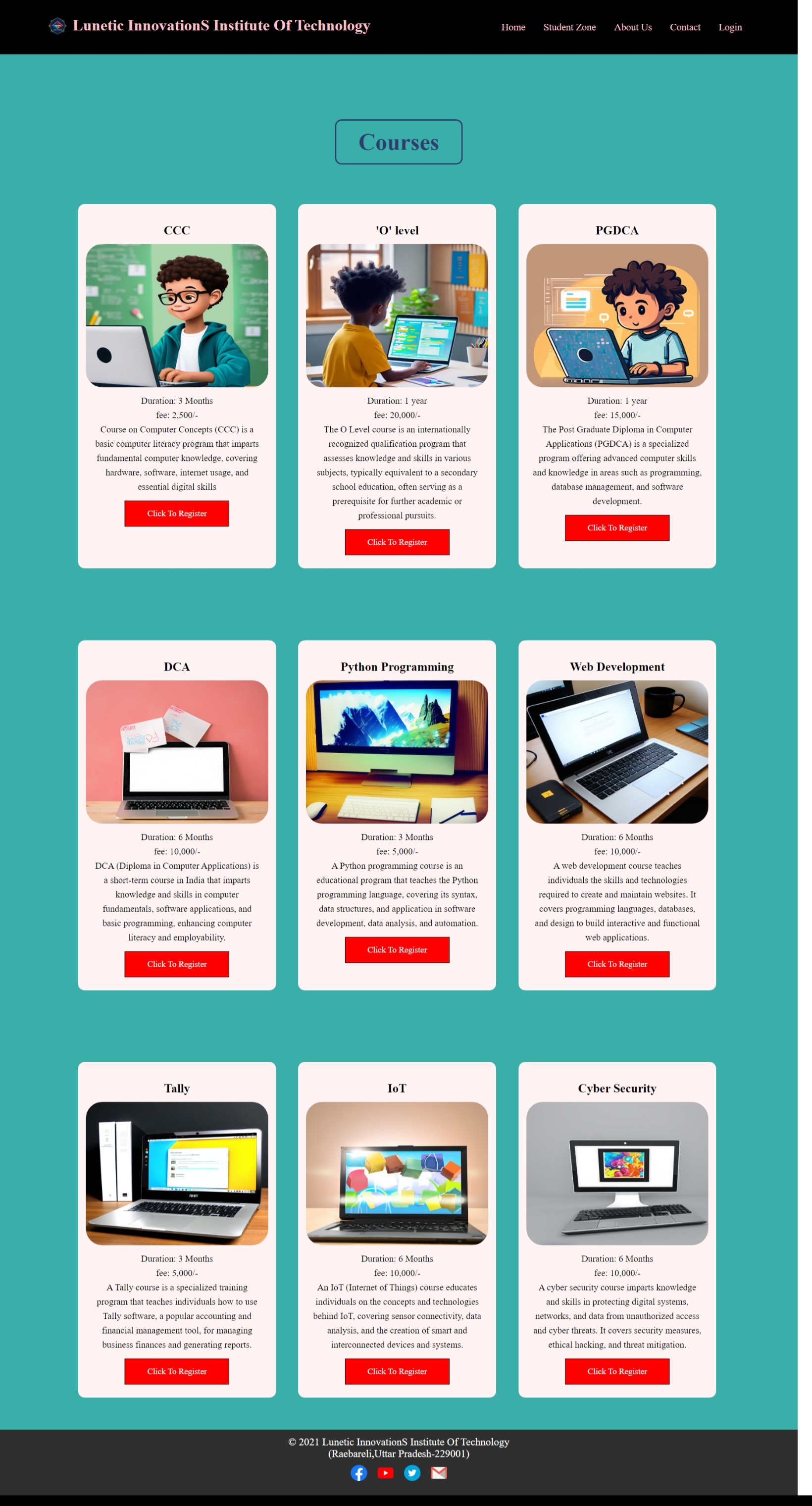
The "Computer Institute Website" is a front-end web development project designed to showcase the offerings and operations of a computer training institute. This project demonstrates the ability to create an engaging, responsive, and user-friendly interface using modern web technologies.
Key Features:
-
Homepage:
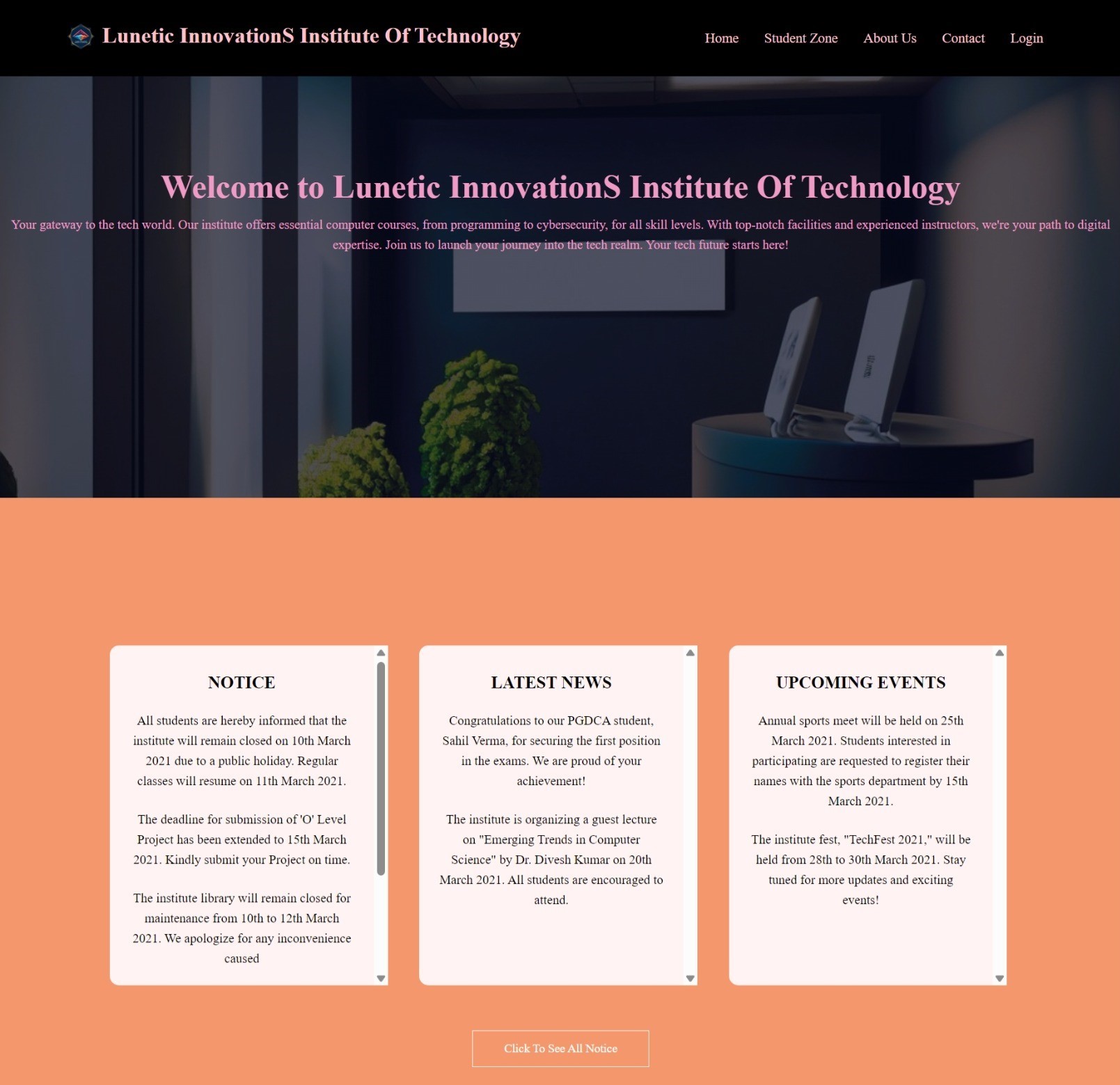
- A visually appealing landing page that highlights the institute’s offerings and key information.
- Navigation to different sections such as Courses, Instructors, About Us, and Contact.
-
Courses Section:
- A dynamic listing of available courses with detailed descriptions, schedules, and fees.
- Filters and search functionality to help users find specific courses easily.
-
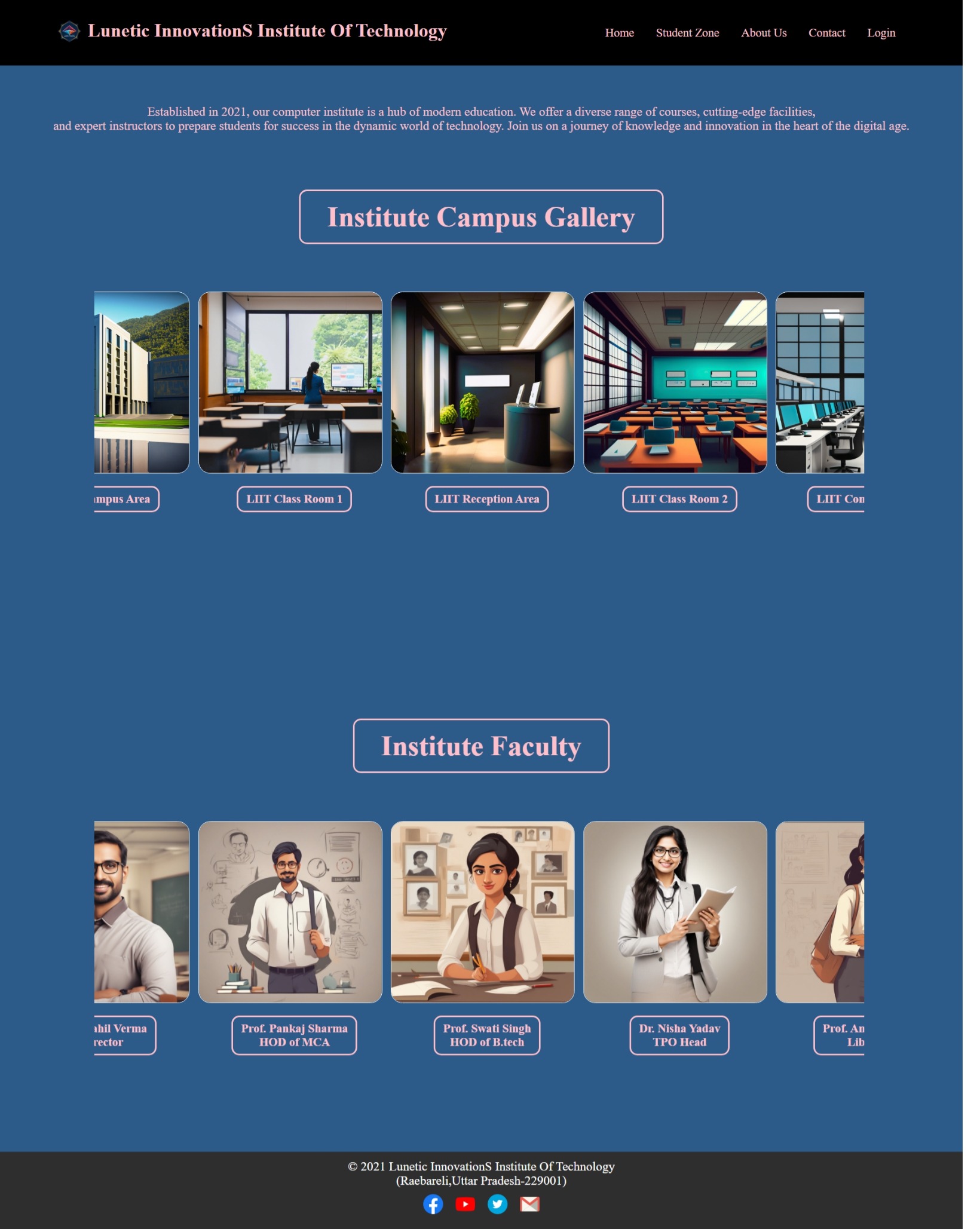
Instructor Profiles:
- Profiles for each instructor, including their qualifications, expertise, and the courses they teach.
- Contact forms or links for students to inquire about courses or request more information.
-
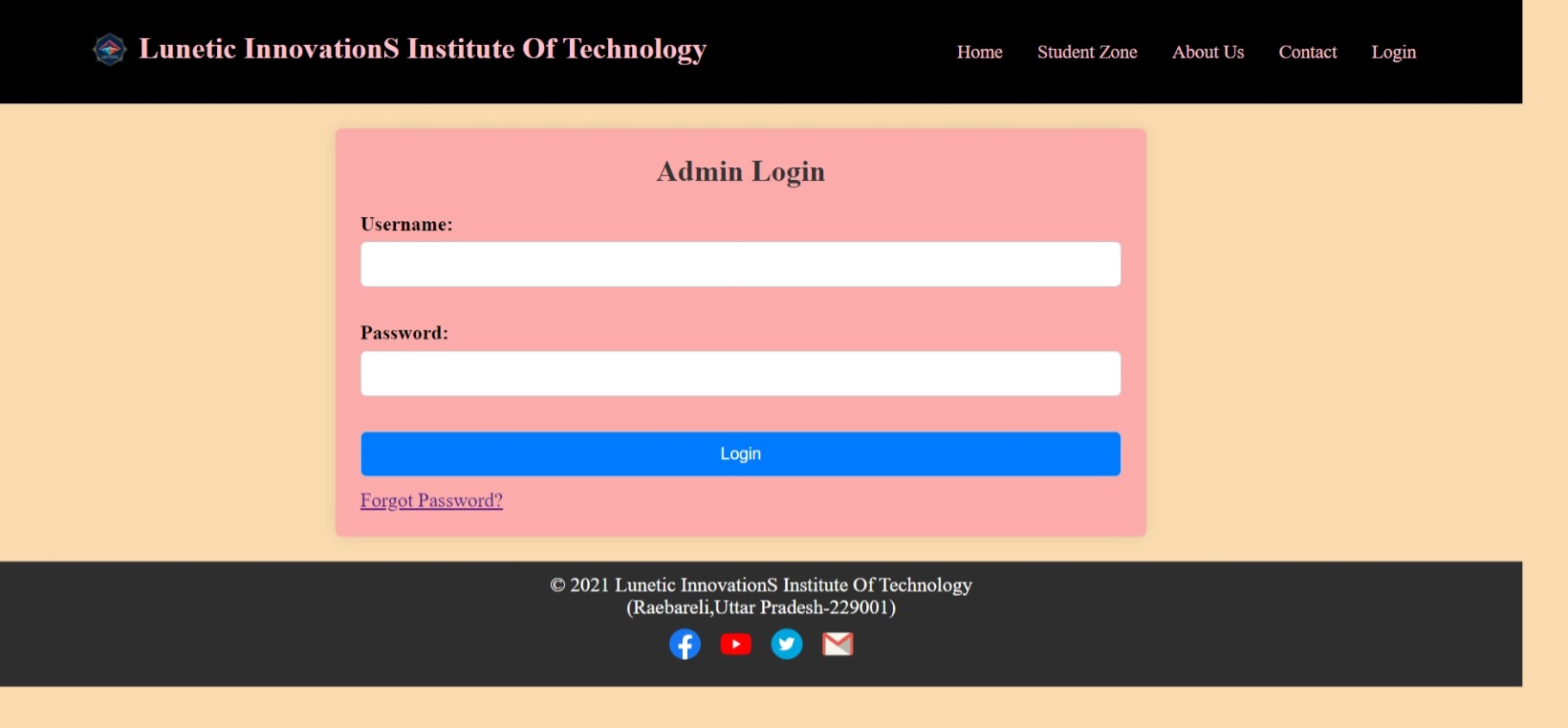
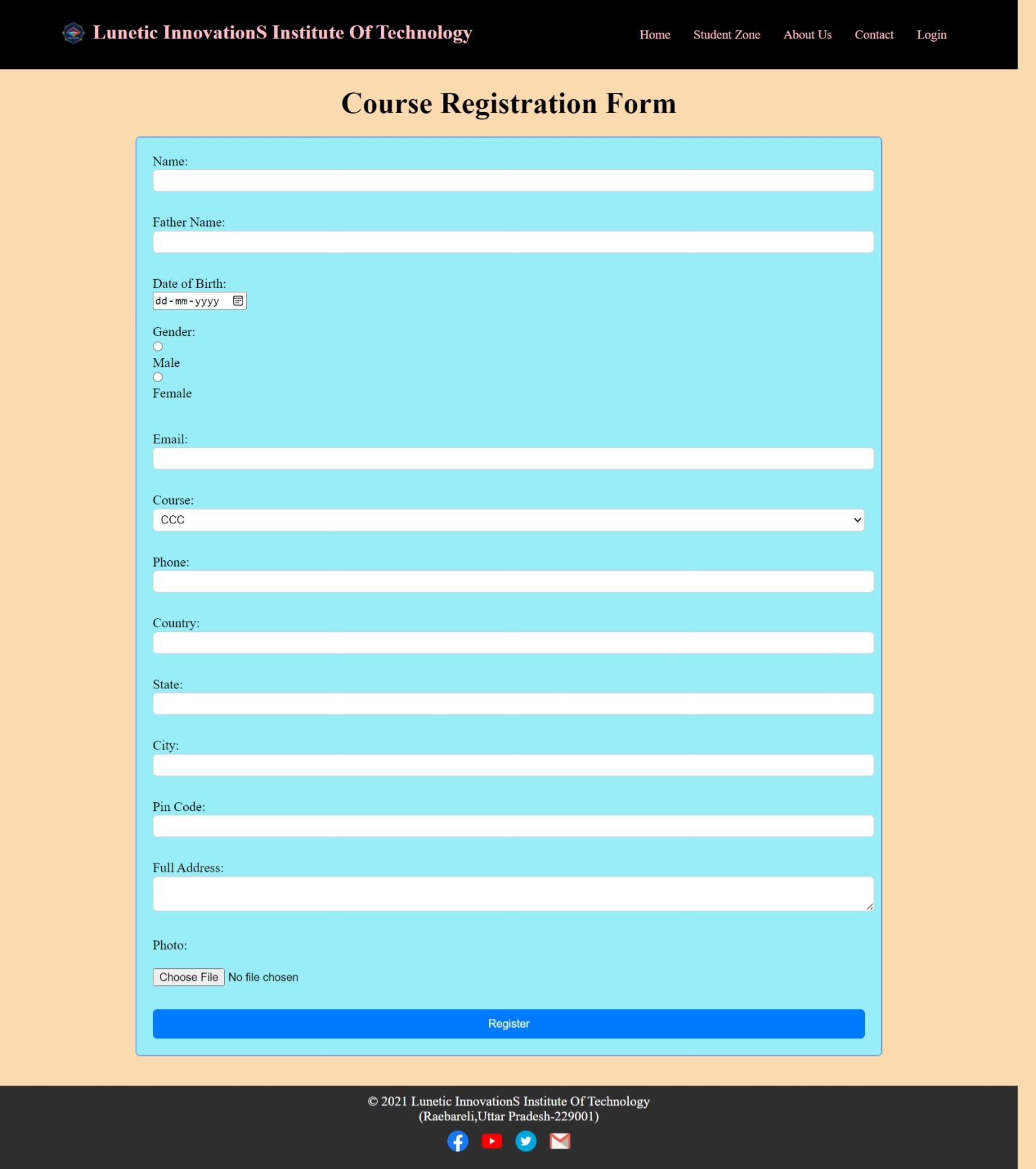
Student Registration and Login:
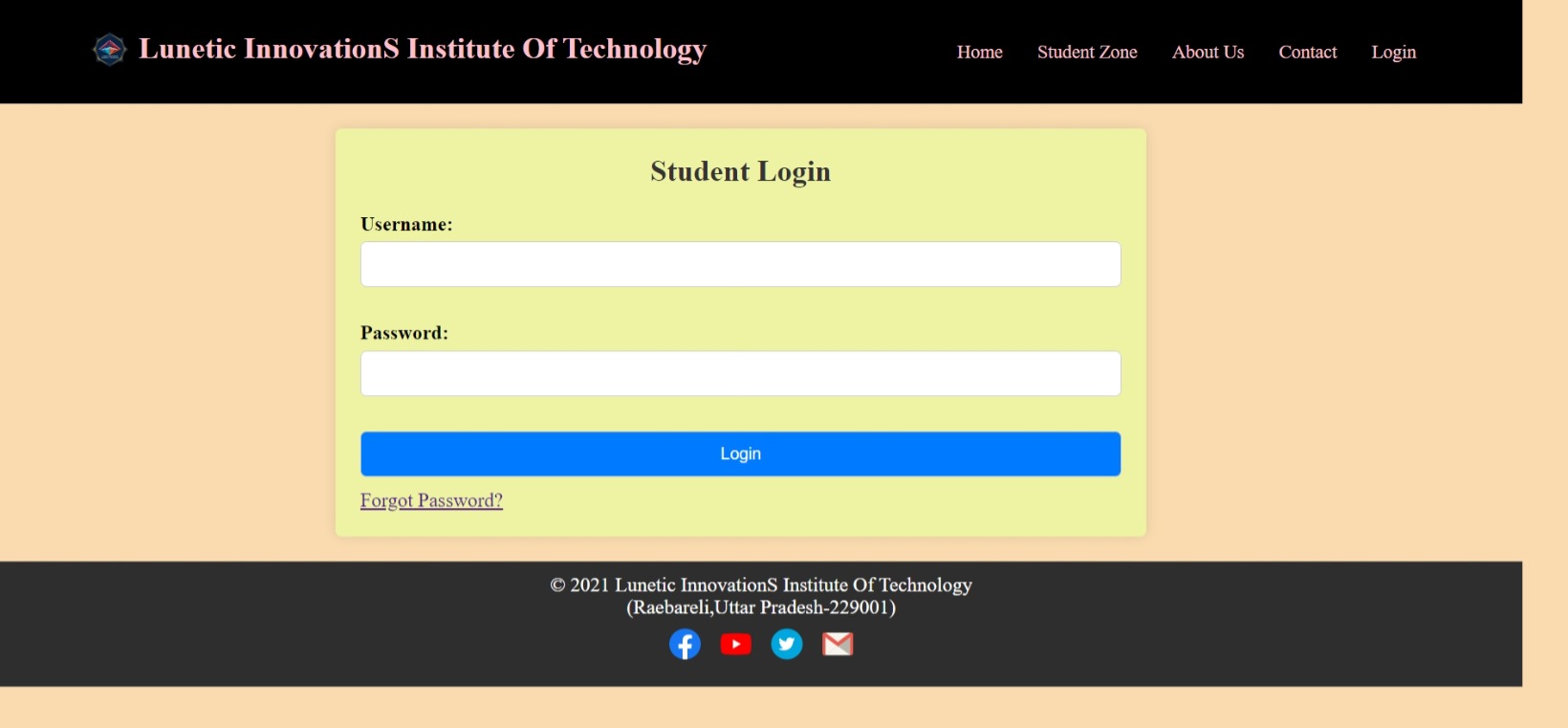
- User-friendly forms for students to register and log in, with validation and feedback.
- Dashboards for registered students to view their course enrollments and progress (if applicable).
-
Responsive Design:
- A layout that adapts seamlessly to different devices, including desktops, tablets, and mobile phones.
- Use of Bootstrap for a consistent and responsive design across various screen sizes.
-
Contact Us:
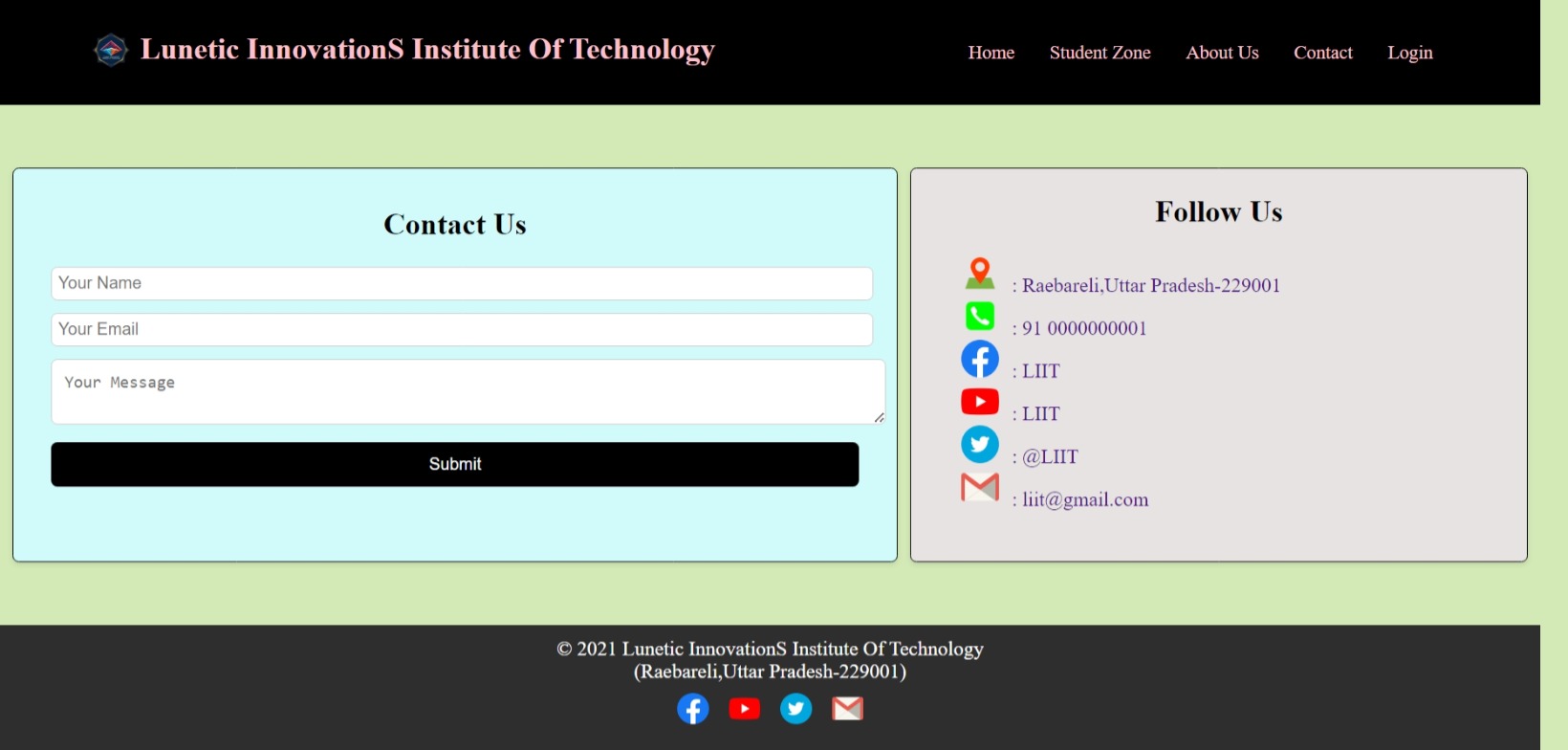
- A contact form allowing users to send inquiries or feedback to the institute.
- Contact details and location map for easy access.
Languages and Technologies Used:
- HTML: For structuring the content and layout of web pages.
- CSS: For styling the website, including layout, colors, fonts, and other visual elements.
- JavaScript: For enhancing interactivity, including dynamic content updates, form validations, and user interactions.
- Bootstrap: A front-end framework used for creating a responsive and modern design with pre-built components.
How It Was Created:
-
Initial Setup:
- Set up the project structure with separate folders for HTML, CSS, and JavaScript files.
- Included Bootstrap for responsive design and UI components.
-
Frontend Design:
- Developed the layout and styling using HTML and CSS, focusing on creating a clean and intuitive user interface.
- Integrated Bootstrap components to streamline the design process and ensure responsiveness.
-
Dynamic Content:
- Used JavaScript to manage interactive elements such as sliders, modals, and dynamic content updates.
- Implemented form validation and user feedback mechanisms for improved usability.
-
Responsive Layout:
- Applied Bootstrap’s grid system and responsive utilities to ensure the website performs well on various devices and screen sizes.
- Tested and adjusted the layout for different viewports to maintain a consistent user experience.
-
User Interactions:
- Enhanced the user experience with JavaScript, including features like dynamic course filtering, interactive contact forms, and real-time updates.
Main Elements of the System:
- Homepage: Engaging and informative landing page with easy navigation.
- Courses Section: Comprehensive list of available courses with filtering options.
- Instructor Profiles: Detailed profiles of instructors with contact options.
- Student Registration/Login: User-friendly registration and login forms with validation.
- Contact Us: Functional contact form and institute’s contact information.

 HTML
HTML
 CSS
CSS
 JavaScript
 Bootstrap
 GitHub Source Code
 LinkedIn Profile