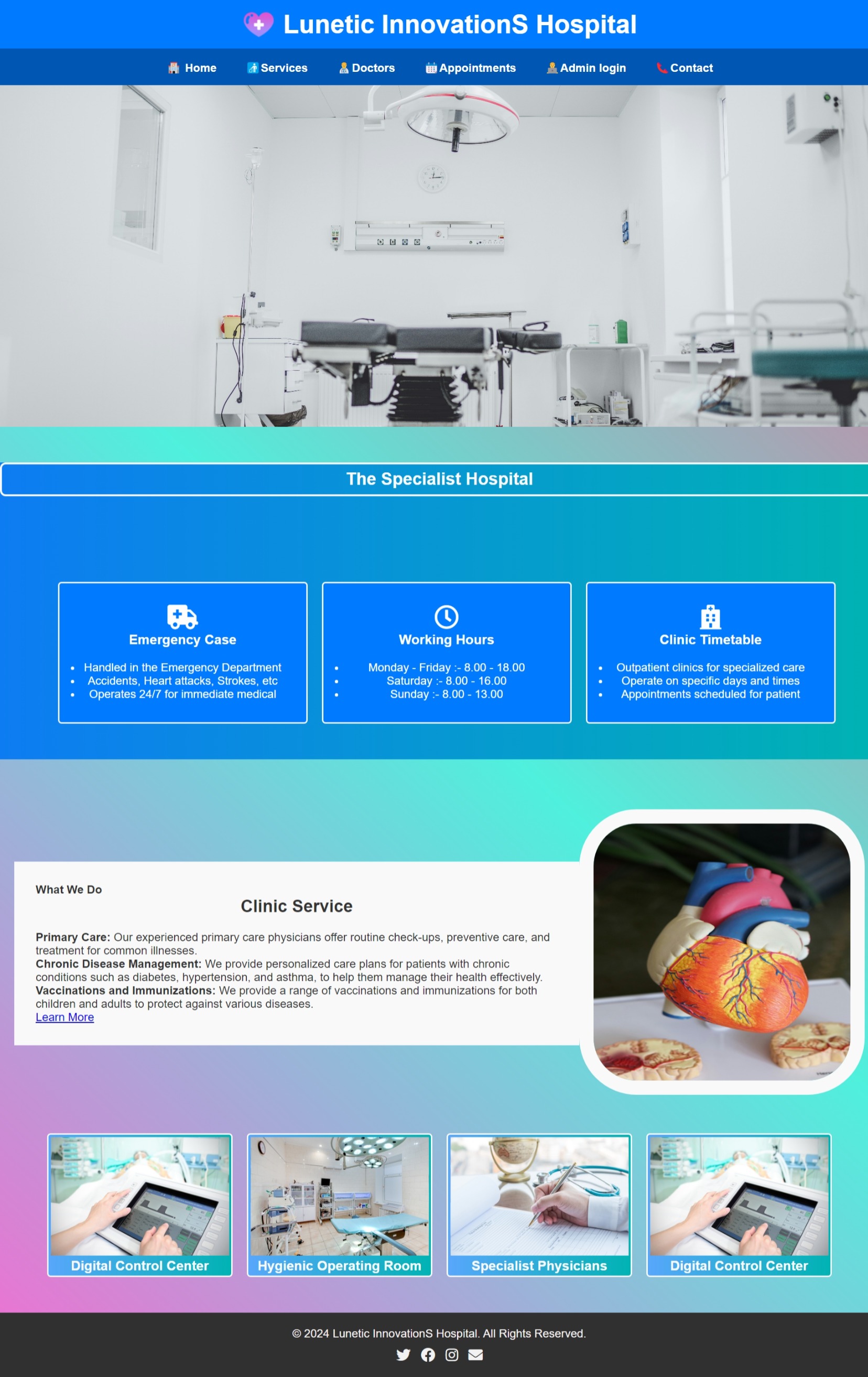
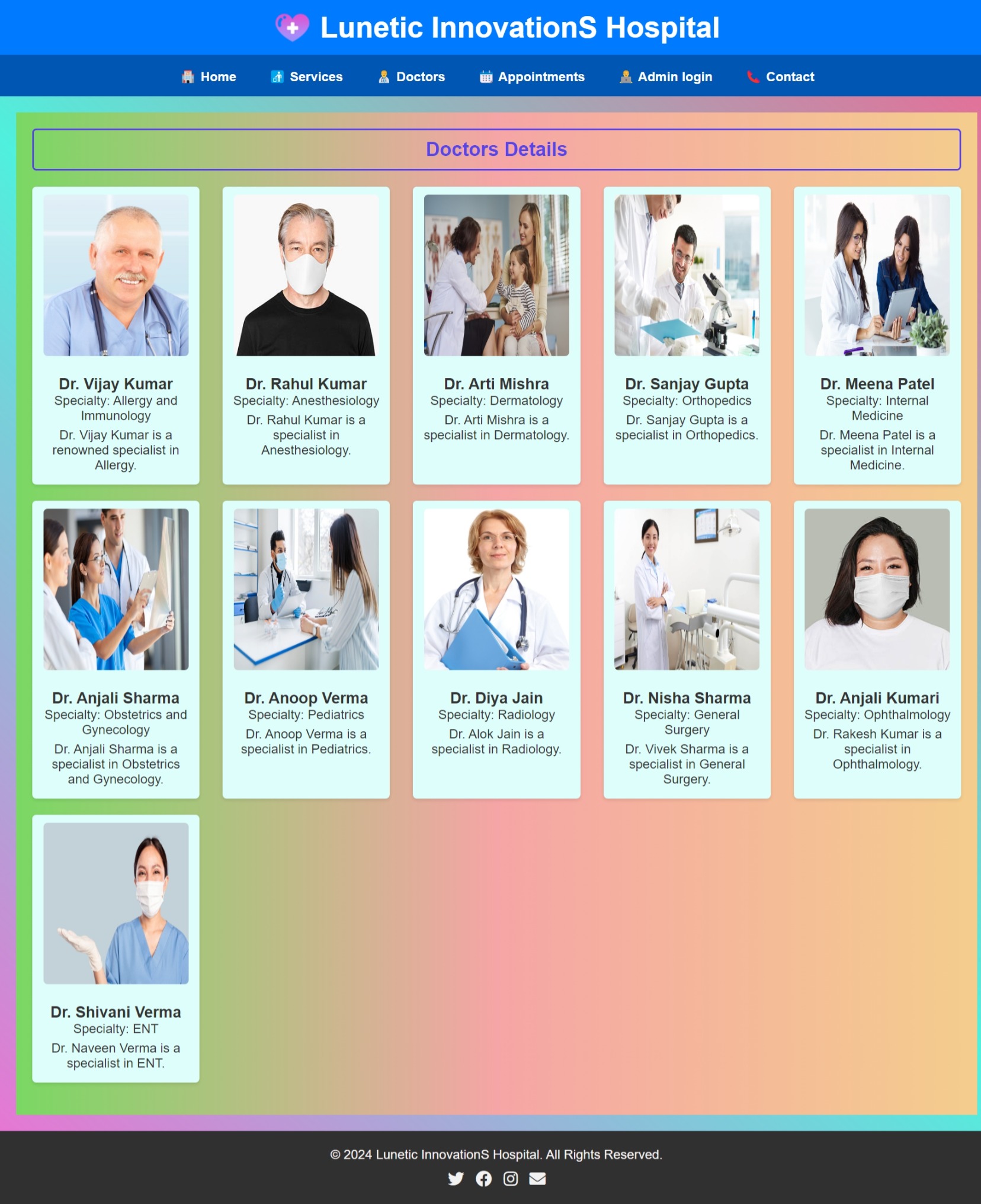
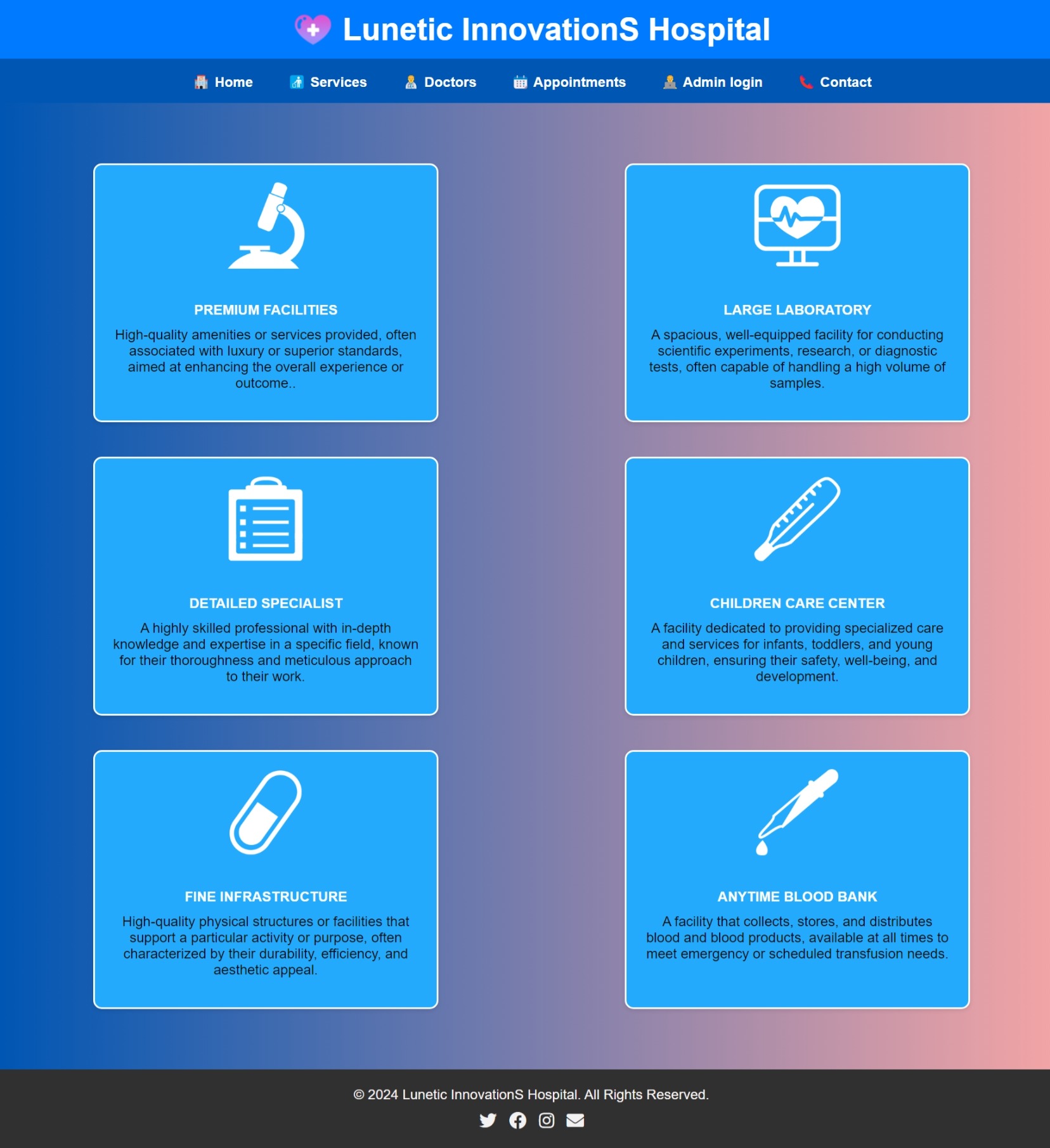
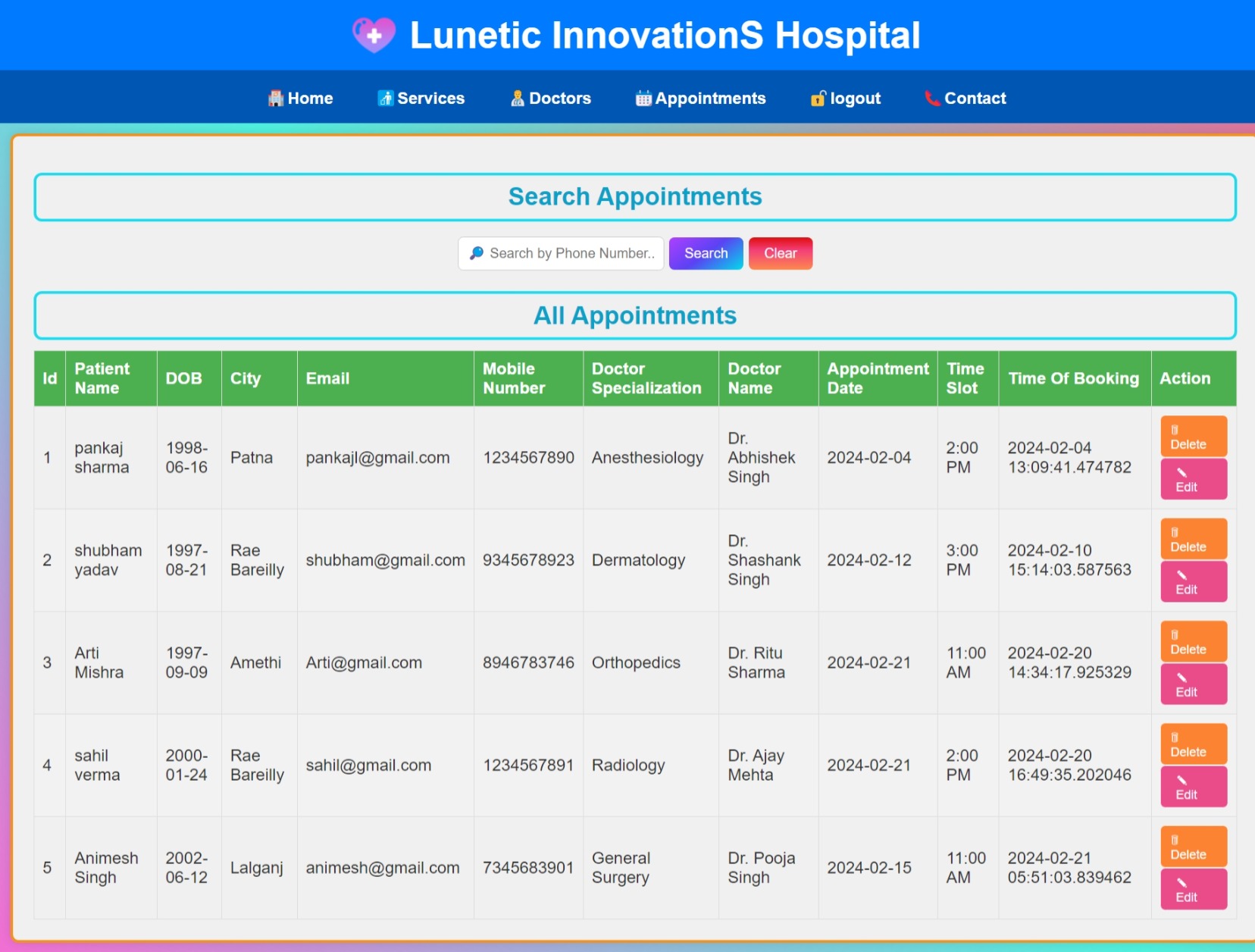
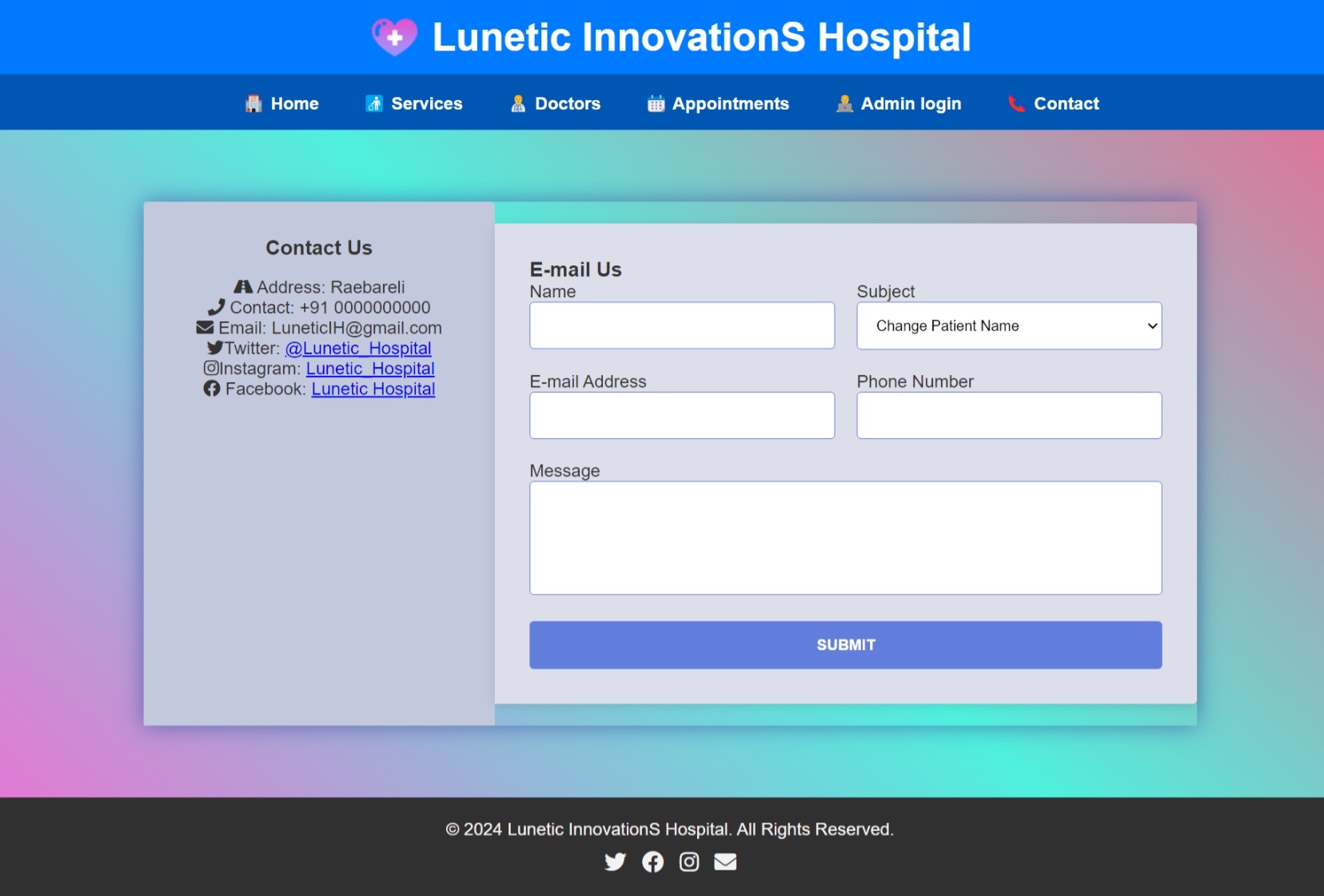
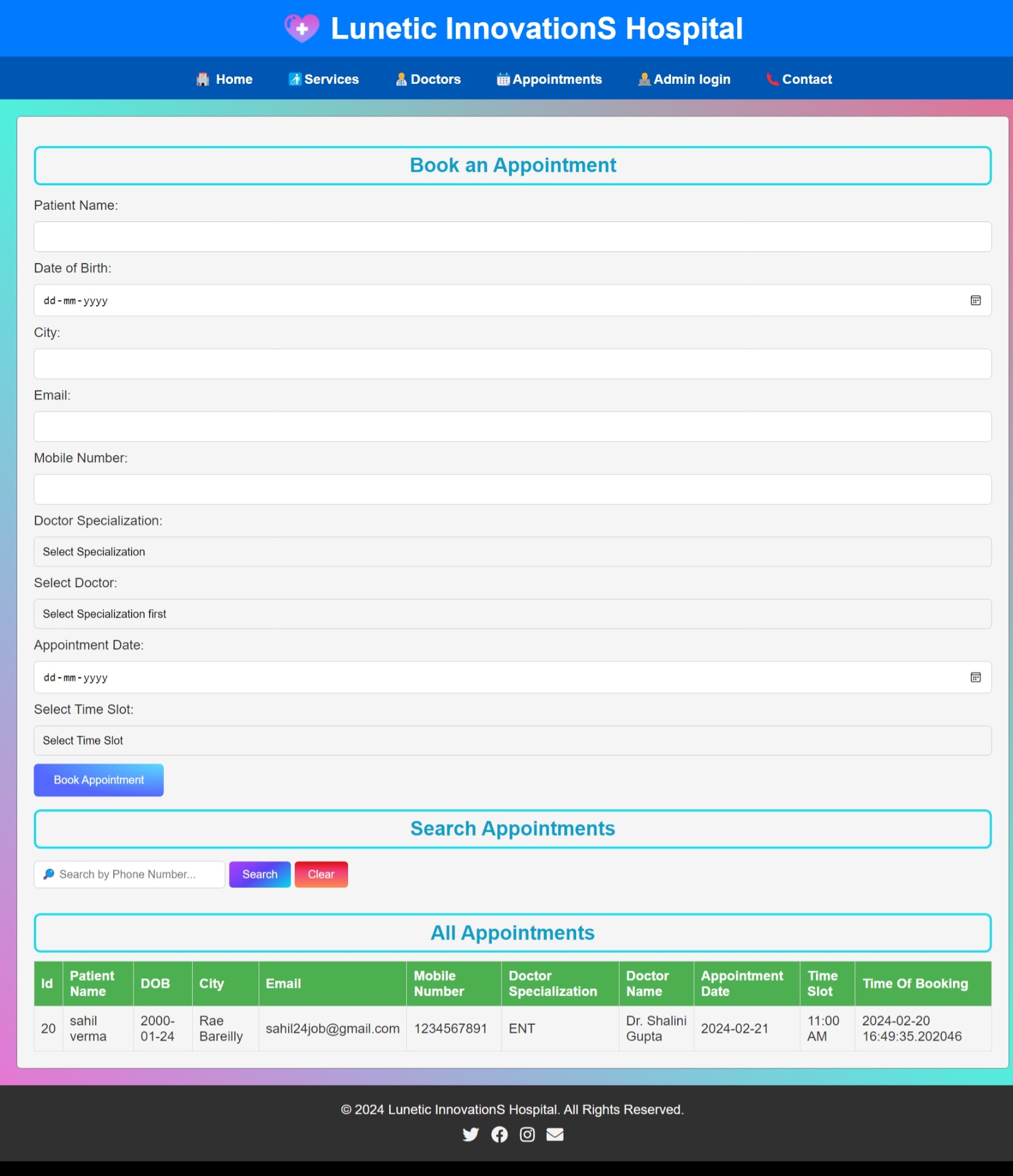
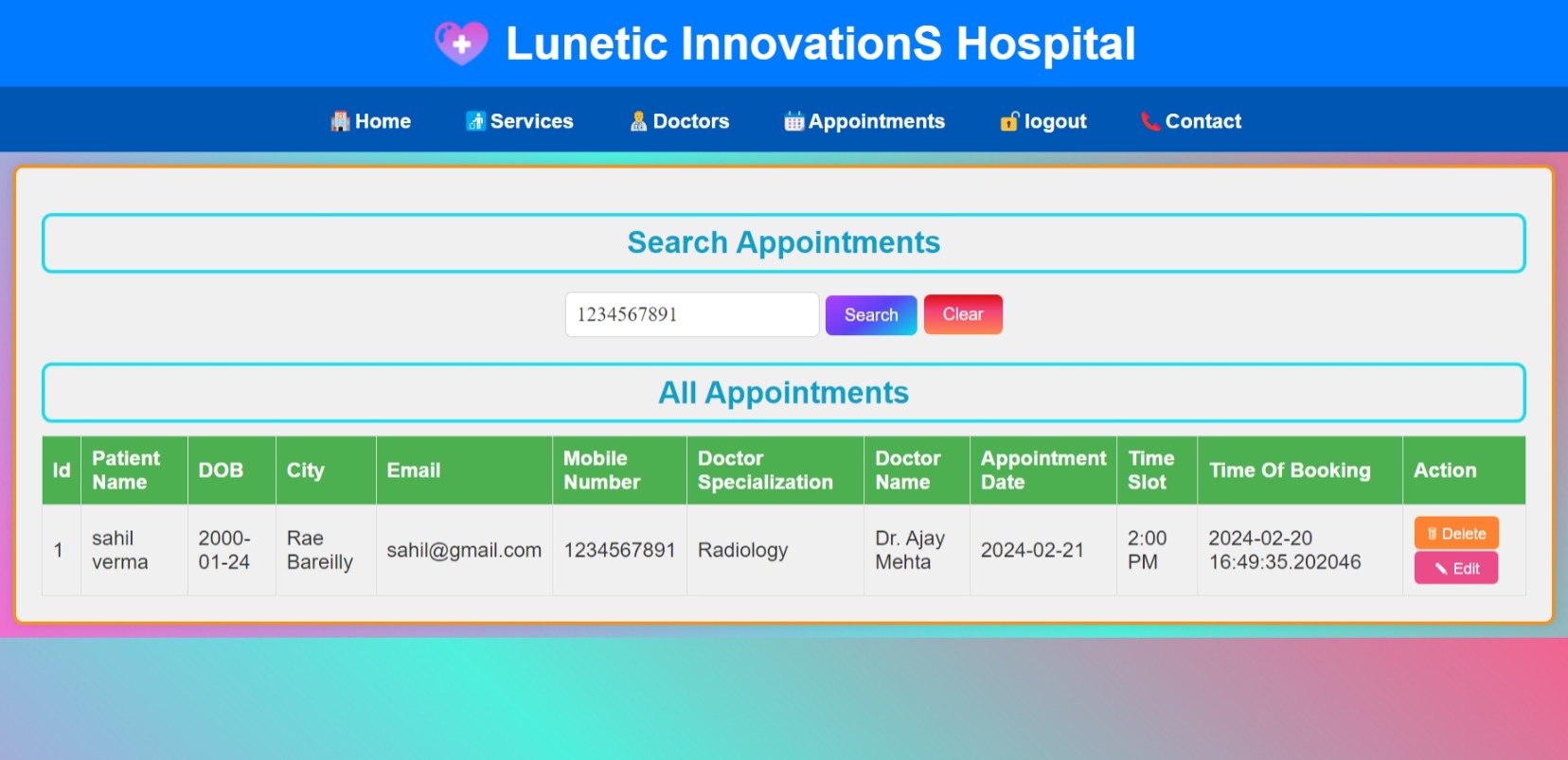
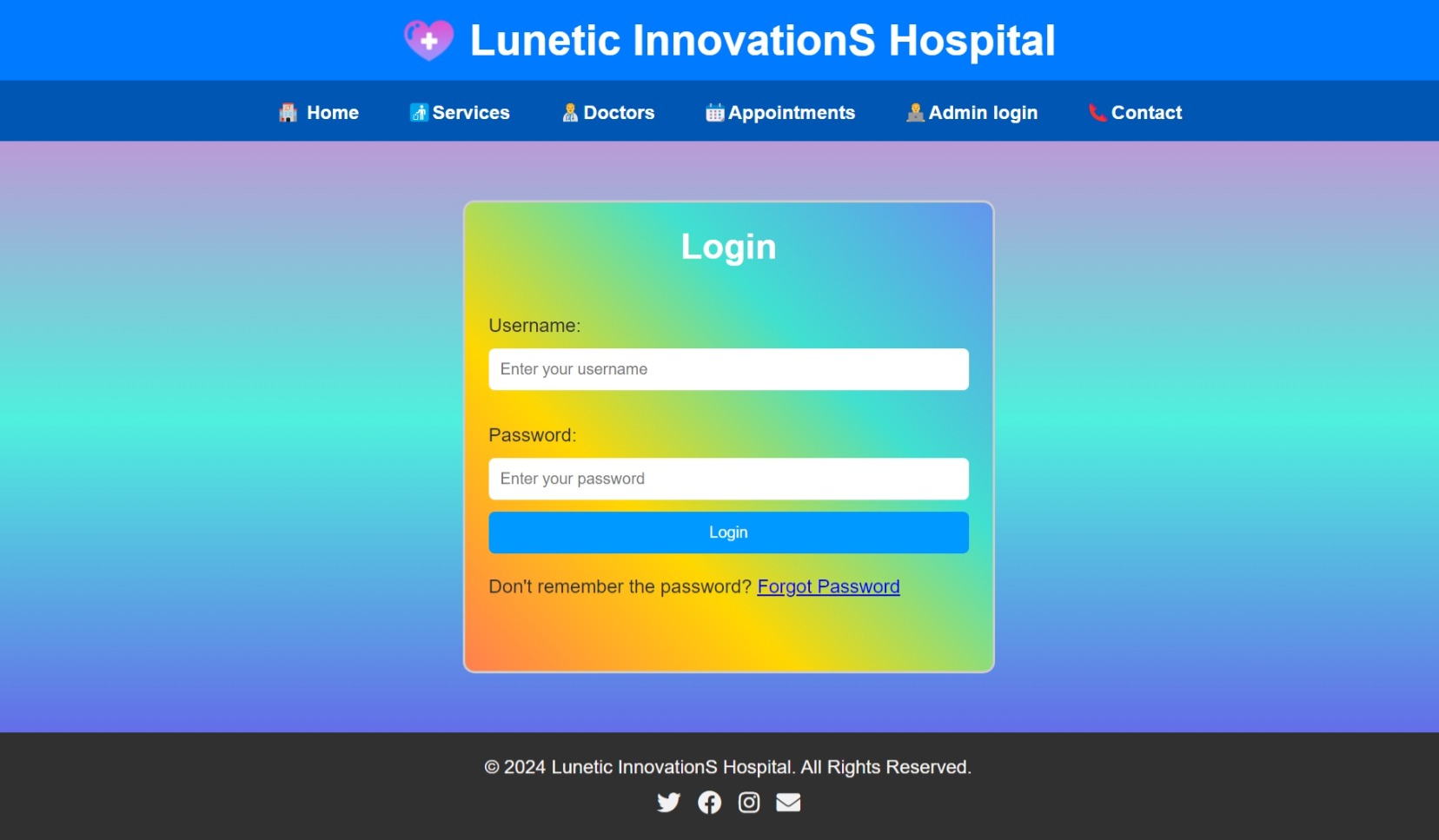
Screenshots of Website:
Detail Project Description:
This project showcases web development, backend management, and database handling skills, making it a full-stack project. It's a great example of a practical application built using Flask, demonstrating the ability to create scalable systems for real-world use.
Key Features:
-
User Roles:
- Patients: Can register, log in, view doctor availability, and book appointments.
- Doctors: Can manage their schedules, view appointments, and interact with patients.
- Admin: Can manage the entire system, including doctor availability, patient records, and appointment status.
-
Appointment Management:
- Patients can see available time slots and book appointments.
- Doctors can accept, reject, or reschedule appointments.
-
Authentication and Authorization:
- Secure login for patients, doctors, and admins using hashed passwords.
- Role-based access control to different features based on the type of user.
-
Admin Dashboard:
- Admins can monitor and manage the appointments, users, and doctor schedules.
- Generate reports for hospital management.
Languages and Technologies Used:
- Flask (Python): The main web framework used to build the application. Flask is chosen for its simplicity and flexibility.
- HTML, CSS, JavaScript: Used for the front-end development of the web pages.
- Bootstrap: A front-end framework for responsive design and UI components.
- Jinja2: Flask’s templating engine used to dynamically generate HTML based on Python data.
- SQLite/MySQL: A database used to store user details, appointments, and other relevant data.
- SQLAlchemy: The ORM (Object Relational Mapper) used for database management.
- WTForms: For creating and managing web forms like registration and login forms.
- Flask-Login: For handling user authentication and managing user sessions.
- JavaScript: For interactive front-end functionalities such as date pickers, AJAX requests, and form validations.
How It Was Created:
-
Initial Setup:
- The project begins by setting up a virtual environment and installing Flask and its dependencies using pip.
- Create the main Flask application, initializing configurations, and setting up the necessary folders (static for CSS/JS/images and templates for HTML).
-
Database Design:
- Define tables such as Users (for patients, doctors, and admins), Appointments (for tracking scheduled appointments), and MedicalRecords (for storing patient history).
- Relationships between users and appointments are defined in the models using SQLAlchemy ORM.
-
User Authentication:
- Create routes for user registration, login, and logout.
- Flask-Login and Flask-WTF are used for secure user authentication and managing user sessions.
-
Appointment Scheduling:
- Create a dynamic calendar or time picker using JavaScript to show available slots.
- Set up the routes for booking appointments, where patients select a doctor and available time slot.
- Doctor availability is managed through an interface where doctors can mark their free hours.
-
Admin and Doctor Dashboards:
- Admin has a dashboard to view all appointments, manage users, and update doctor information.
- Doctors have a separate dashboard to see their appointment requests and manage their schedule.
-
Frontend Design:
- Use HTML and CSS for the basic structure and styling of the web pages.
- Bootstrap components are integrated for a responsive, user-friendly interface.
- Jinja2 is used to populate the templates with data such as user details, appointment slots, and doctor availability.
-
Notifications and Alerts:
- Flask-Flash is used to display success/error messages for actions like successful registration or failed login attempts.
Main Elements of the System:
- User Authentication: Secure login system with role-based access.
- Appointment Calendar: Interactive UI element showing available time slots for doctors.
- Doctor and Patient Profiles: Manage user-specific information, including medical history for patients and specialties for doctors.
- Admin Panel: For managing users, appointments, and system configurations.

 HTML
HTML
 CSS
CSS
 JavaScript
 Python
 Flask
Flask
 SQLAlchemy
 Jinja2
 GitHub Source Code
 LinkedIn Profile