Screenshots of Website:
Description:
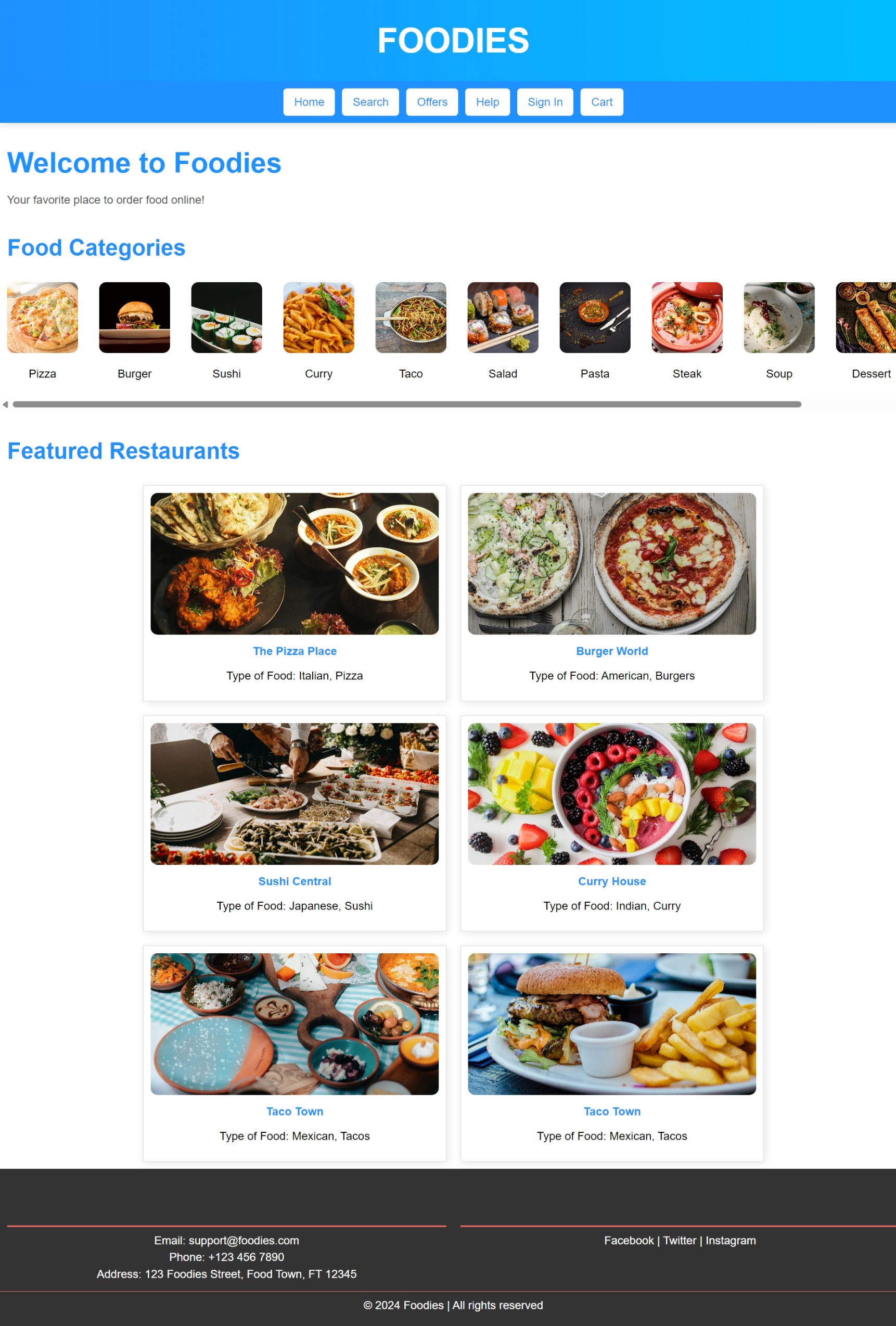
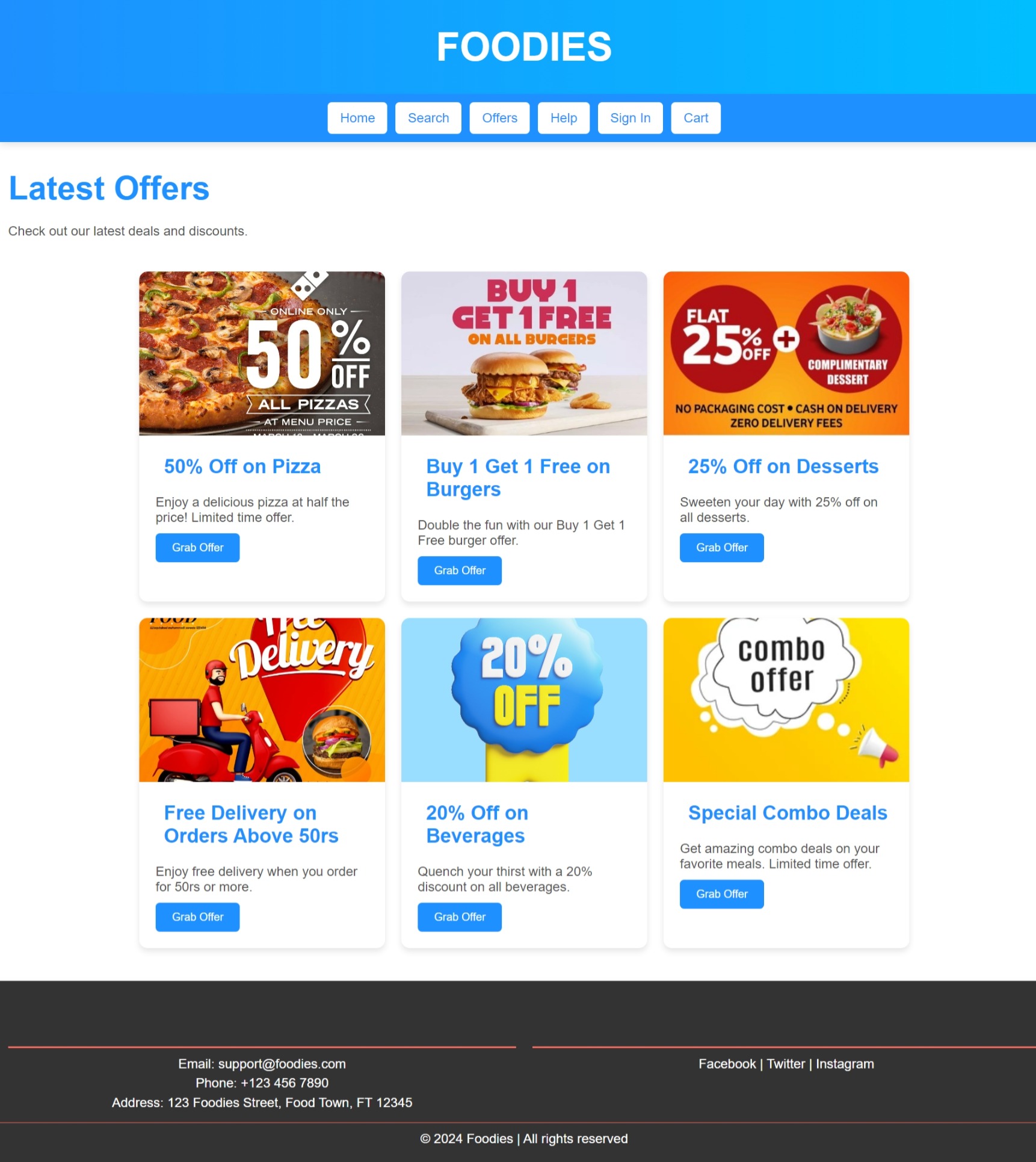
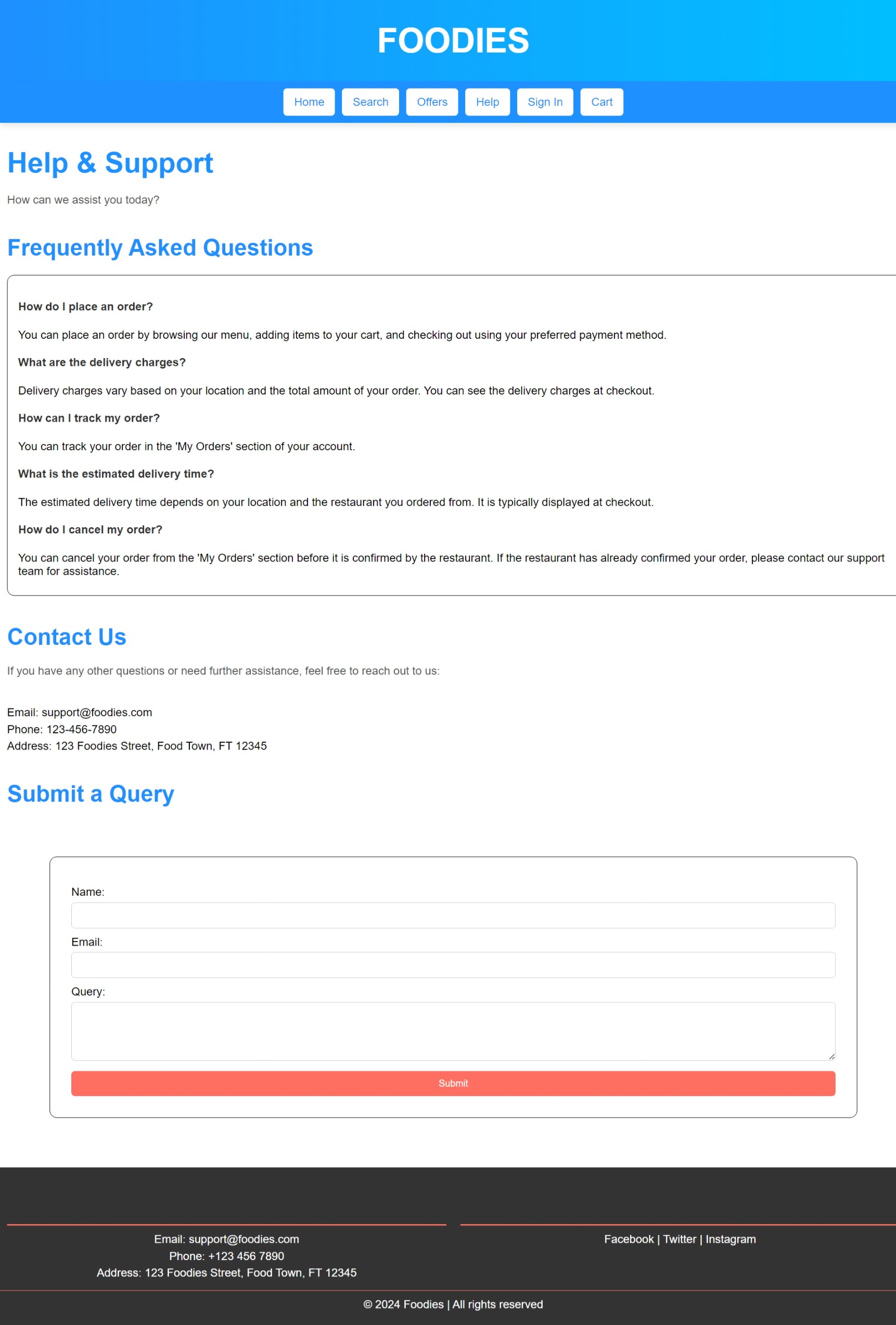
The "Foodies" project is a front-end website designed for ordering food online. This project showcases skills in web development, focusing on creating a user-friendly platform for browsing and ordering food. The site is designed to provide a seamless and engaging experience for users looking to explore different food options and place orders with ease.
Key Features:
-
User Interface (UI):
- An attractive and intuitive layout showcasing various food categories and items.
- Responsive design ensuring compatibility across desktops, tablets, and mobile devices.
-
Food Menu:
- Display of food items with images, descriptions, and prices.
- Categorization and filtering options to help users find their desired dishes quickly.
-
Order Placement:
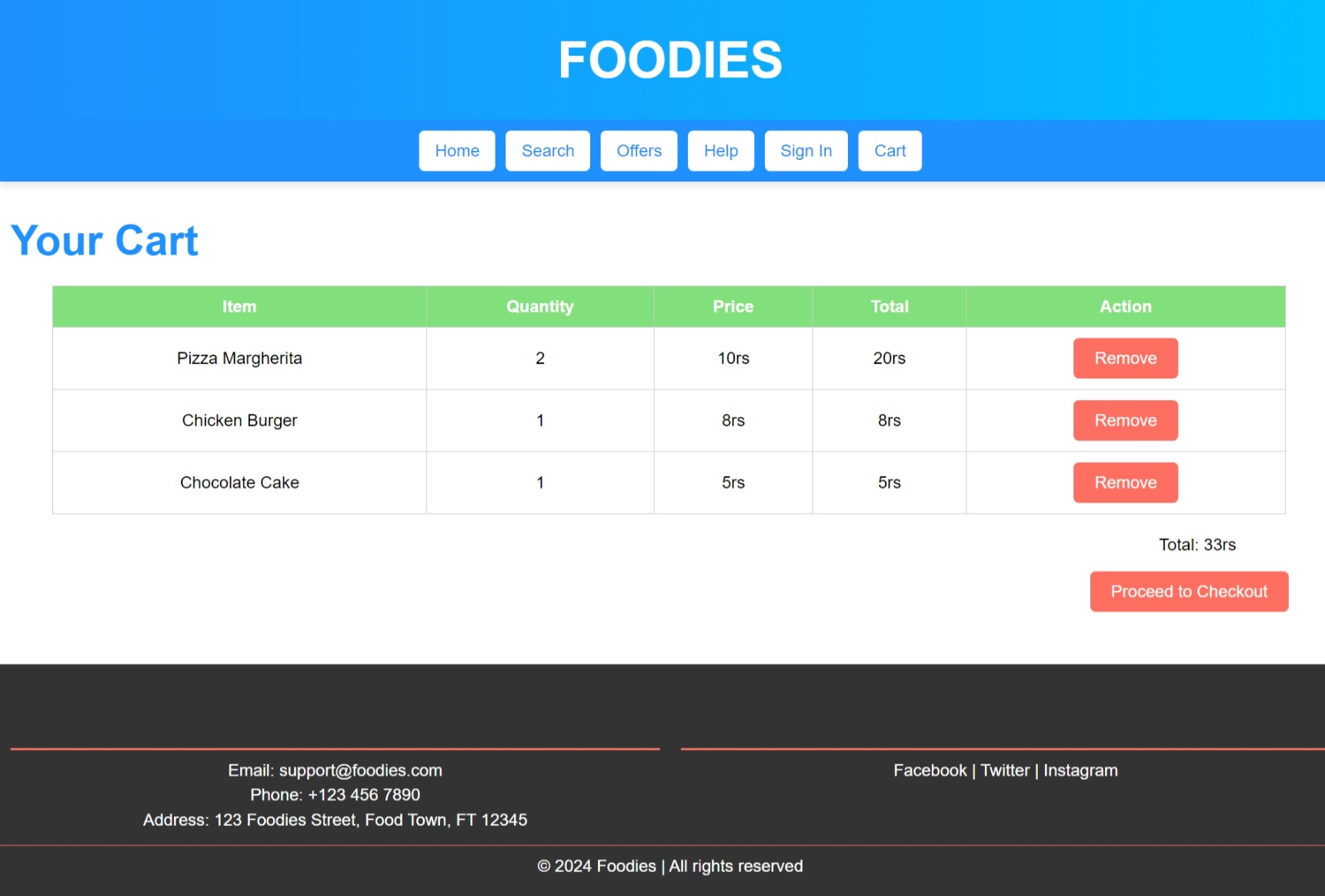
- Users can add items to a cart, view the cart, and proceed to checkout.
- Options to customize food items before placing an order.
-
User Account Management:
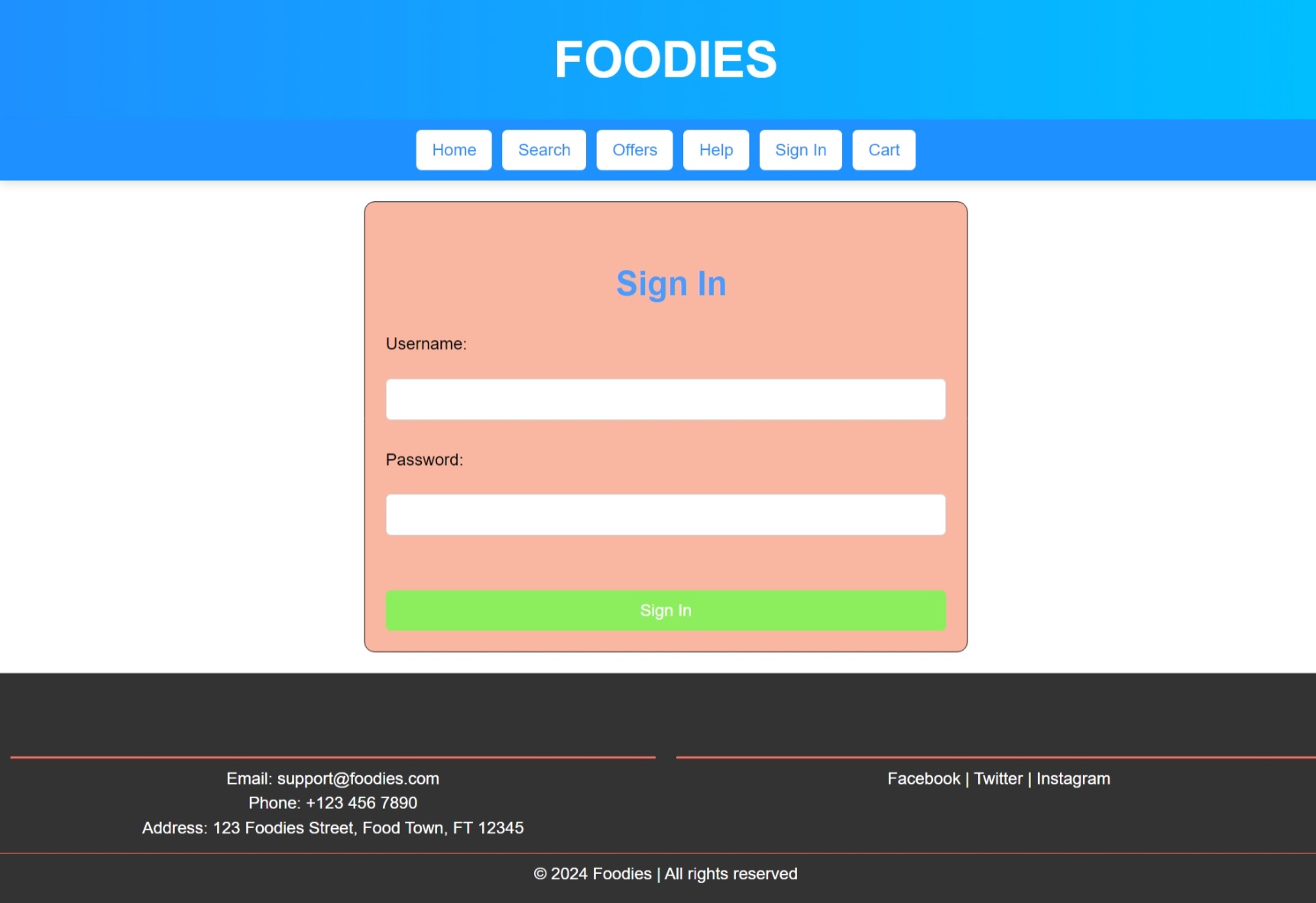
- User registration and login features.
- Management of user profiles and order history.
-
Search and Filtering:
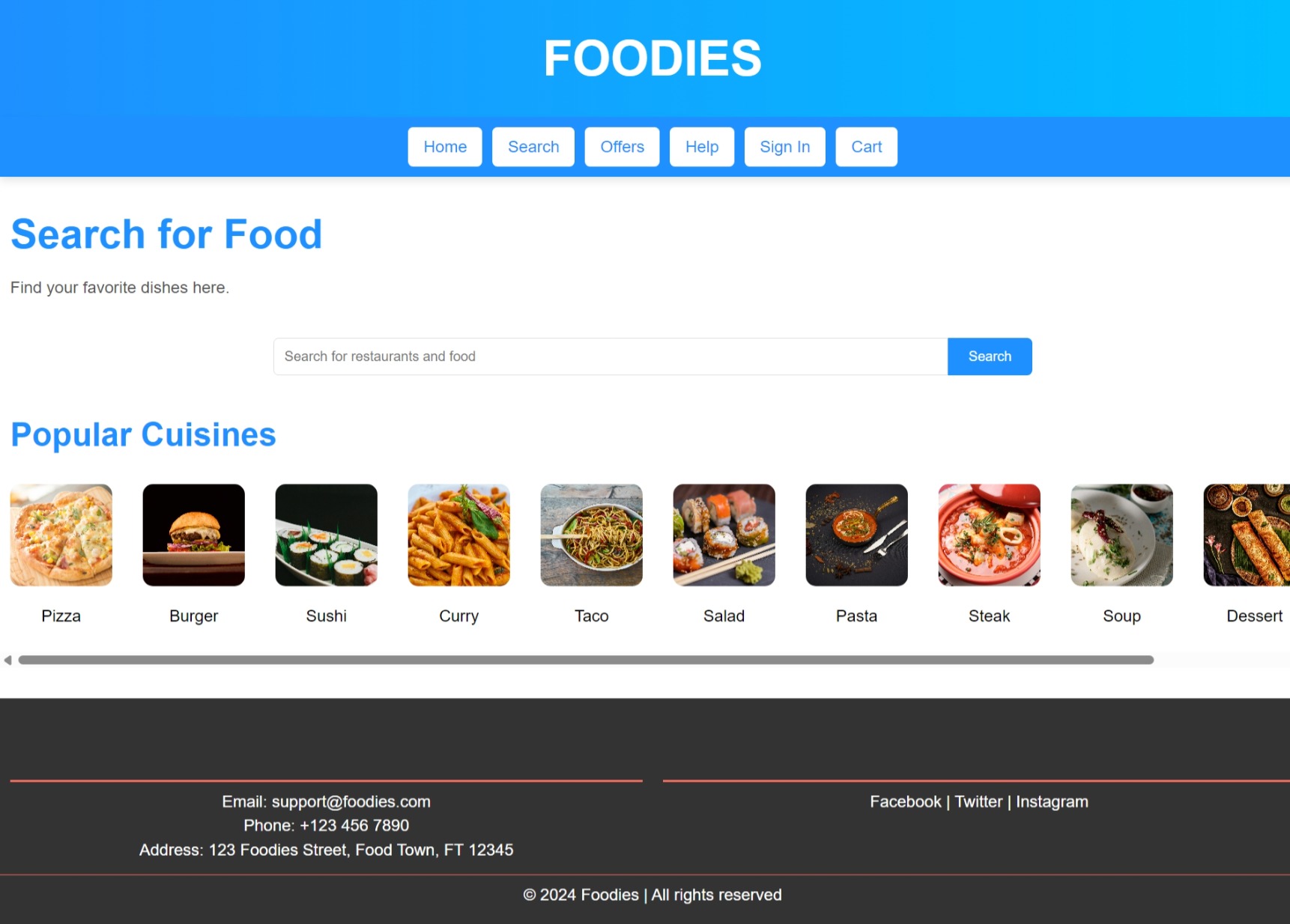
- Search bar for locating specific dishes or restaurants.
- Filters for sorting items based on criteria such as price and popularity.
Languages and Technologies Used:
- HTML/CSS: For structuring and styling the website.
- JavaScript: For interactive functionalities and dynamic content updates.
- Bootstrap: For responsive design and UI components.
- APIs (if applicable): Integration for food data and potentially payment gateways.
How It Was Created:
-
Initial Setup:
- Set up the project with a focus on creating a user-friendly interface for food ordering.
- Structured the project with directories for static assets (CSS, JavaScript, images) and HTML templates.
-
Front-End Design:
- Developed the website layout using HTML and CSS.
- Utilized Bootstrap for a responsive and visually appealing design.
- Implemented JavaScript for interactive features such as dynamic cart updates and real-time search filtering.
-
Order Management:
- Created interactive elements for adding items to the cart and proceeding to checkout.
- Developed features for customizing food items and managing user orders.
-
Search and Filtering:
- Integrated search functionality for finding specific food items or restaurants.
- Applied filtering options to sort and display food items based on user preferences.
-
User Experience:
- Focused on creating a seamless experience for users to browse, select, and order food efficiently.
- Implemented responsive design to ensure usability across different devices.
Main Elements of the System:
- Food Menu: Display of diverse food options with detailed descriptions and images.
- Order System: Functional cart and checkout processes for placing orders.
- User Management: Registration, login, and profile management features.
- Search and Filters: Tools for finding and sorting food items effectively.

 HTML
HTML
 CSS
CSS
 JavaScript
 Bootstrap
 GitHub Source Code
 LinkedIn Profile